Salesforce Data Export: Bulk Download Files, Attachments & Documents
SFDC File Exporter is a secure and powerful tool designed to export Files, Attachments, Documents, and Static Resources from Salesforce in its original format. With its user-friendly interface, you can easily and quickly bulk download content in its original format. Try it today and simplify your Salesforce file exports!
Note : This application doesn’t transfer any of your Salesforce data to our servers. You can install it on your own computer and your files and attachments will only be saved on your local computer where this application has been installed!
An App loved by everyone-
Mass download Files OR Attchments from Salesforce in 4 easy steps -
Download & install on your system
Download the sfdc file exporter and run the installer on your system. Follow the setup prompts to complete installation. Once installed, launch the application to begin connecting your Salesforce org and preparing your file export workflow.

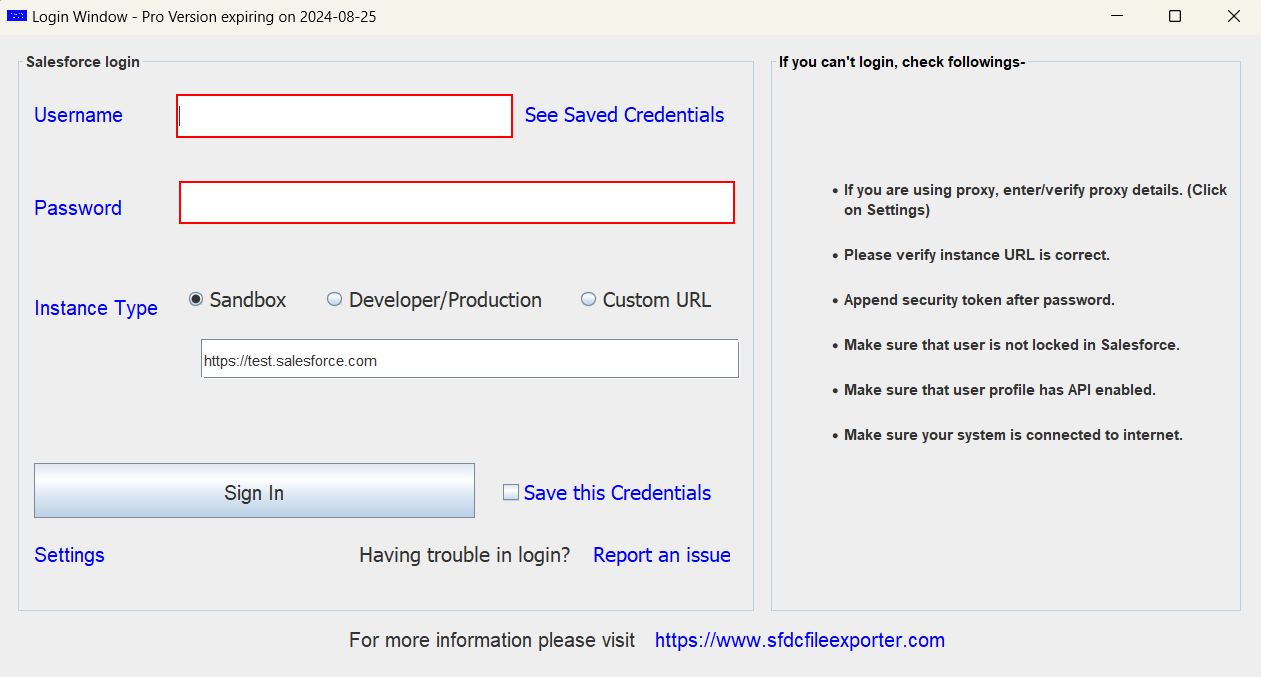
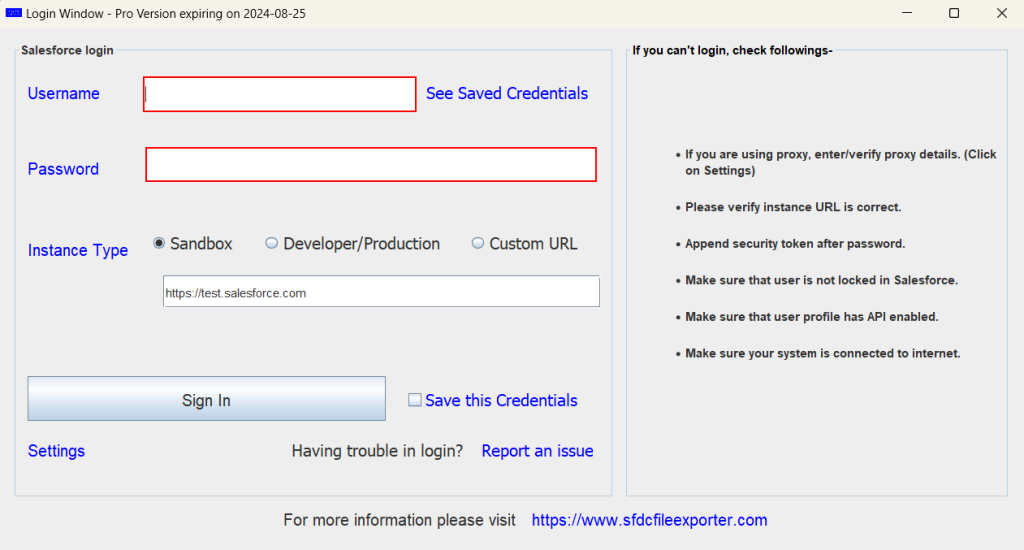
Login With Salesforce Credentials
Enter your Salesforce username, password, and security token to authenticate the sfdc file exporter. This secure login allows the tool to access your Salesforce org and retrieve files for export. Once logged in, you can proceed to filter or download files.
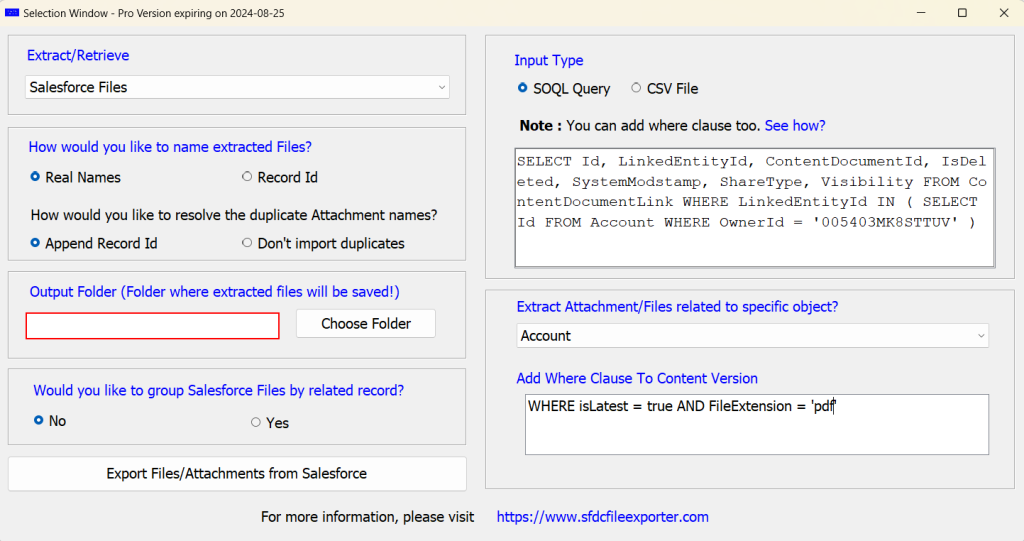
Filter Files OR Downlaod All Files
Sfdc file exporter lets you either filter files by attributes like owner, fileextension, date, or keywords, or download all available files in bulk. This step ensures you export only the files you need or export everything efficiently.
See Documentation
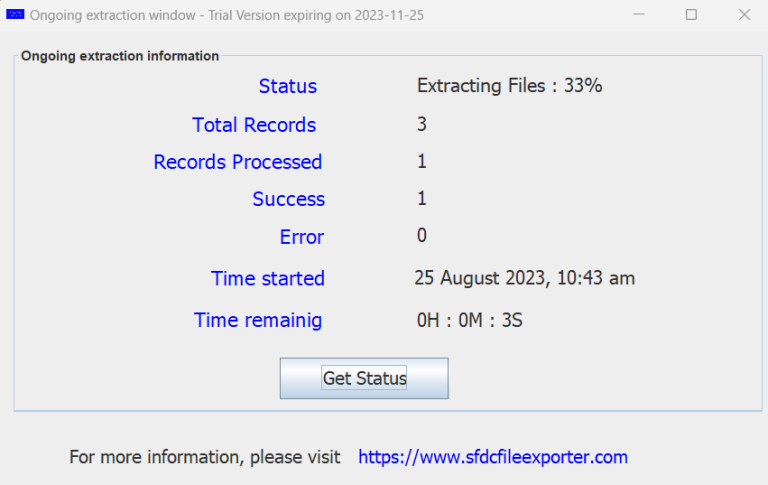
Click on 'Export' & Chill
Once you click on the 'Export' button, the App will show you the current status and how much time will it take to complete the extraction -
Join the success
Global brands that trusted this app for mass exports -
Work with the best -
Exporting Files Has Never Been This Easy -
Unsure how to download all files and attachments from Salesforce? The Salesforce File Exporter makes it simple! This powerful application lets you quickly and easily export all files, attachments, documents, and static resources in their original format. You can choose to export everything at once or only the files related to a specific object. Whether it’s PDFs, Word documents, or images, the tool saves you time by eliminating the need to download each file manually.
See some questions asked on developers forums
You can also refer to this article

Check out these incredible numbers -
Choose the best -
What makes SFDC File Exporter the smart choice for you?
Boosts efficiency by saving your time, reducing effort, and cutting costs—helping you achieve more with fewer resources and greater impact.
Export all Salesforce files and attachments, or selectively export those linked to a specific object—offering flexible, efficient, and tailored export options.
Easily and quickly export files and attachments from Salesforce, saving valuable time while ensuring seamless data transfer with minimal effort.
You can export or download any number of attachments or files from Salesforce—no limitations, no restrictions, completely flexible and fast.
OUR PRICING PLANS -
Free Plan
-
Can download only 50 Attachments, Documents OR Files.
-
Can’t schedule SFDC File Exporter to export Attachments automatically/On periodic basis.
-
Support is not available
-
can be used in only one Salesforce instance
-
Can be installed on only single mahcine
-
Trial limits can be incrased, just contact us
1 Month
-
Can download unlimited number of Attachments, Documents, Files OR Static Resources
-
For 1 Month
-
Choose this plan , if you are an employee (not an agency)
-
Support is not Available
-
can be used in only one Salesforce instance
-
Can be installed on single mahcine only
3 Months
-
Can download unlimited number of Attachments, Documents, Files OR Static Resources
-
For 3 Month
-
Choose this plan , if you are an employee (not an agency)
-
Support is not Available
-
can be used in only one Salesforce instance
-
Can be installed on single mahcine only
6 Months
-
Can download unlimited number of Attachments, Documents, Files OR Static Resources
-
For 6 Month
-
Choose this plan , if you are an employee (not an agency)
-
Support is not Available
-
can use in only one Salesforce instance
-
Can be installed on single mahcine only
1 Year
-
Can download unlimited number of Attachments, Documents, Files OR Static Resources
-
For 1 Year
-
Support is Available
-
Choose this plan , if you are an employee (not an agency)
-
can be used in only one Salesforce instance
-
Can be installed on single mahcine only
1 Year
-
Can download unlimited number of Attachments, Documents, Files OR Static Resources
-
For 1 Year
-
Choose this plan , if you are a consulting agency (not an employee)
-
Support is Available
-
can used in multiple Salesforce instance
-
Can be installed on 5 machines